
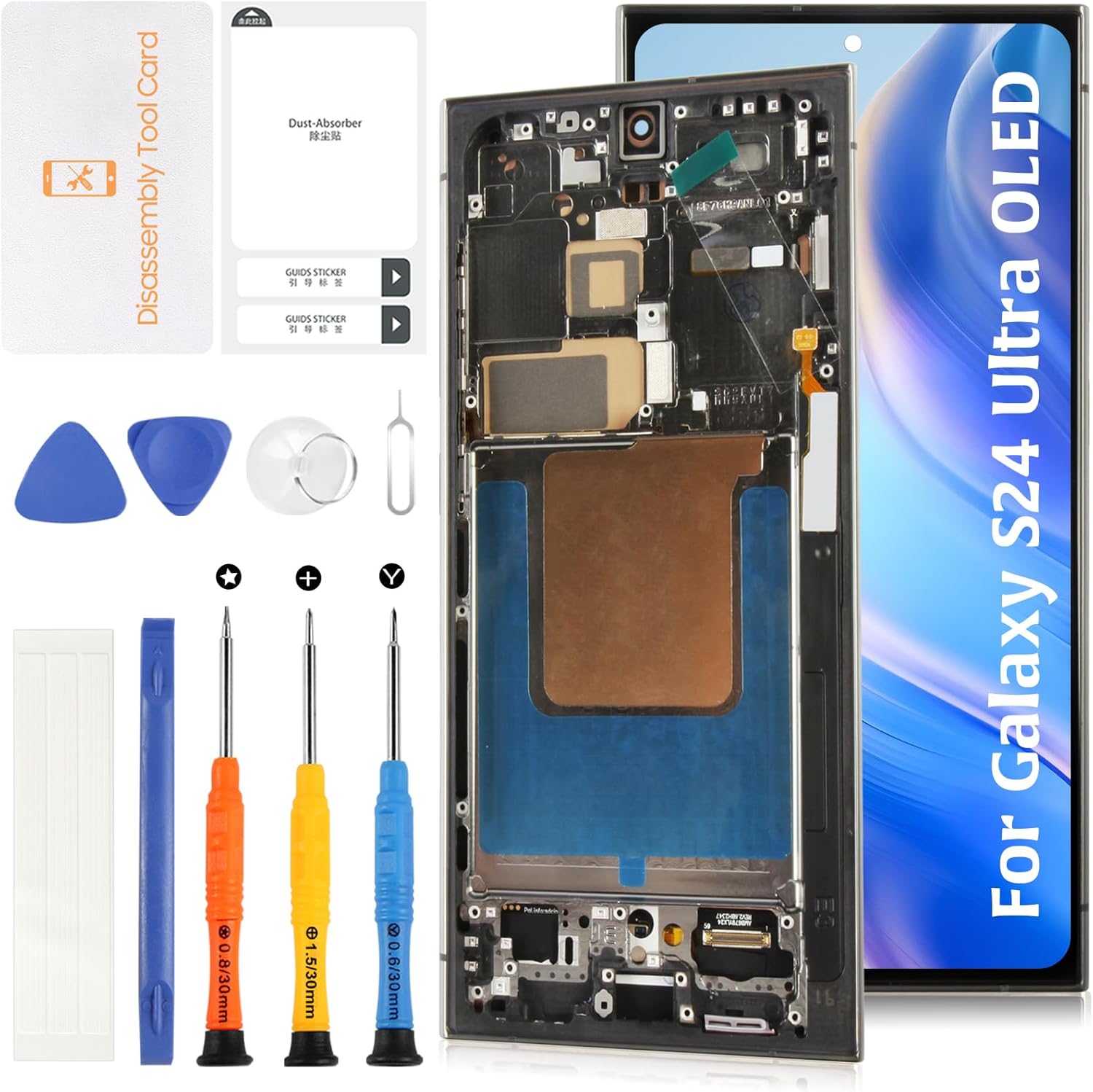
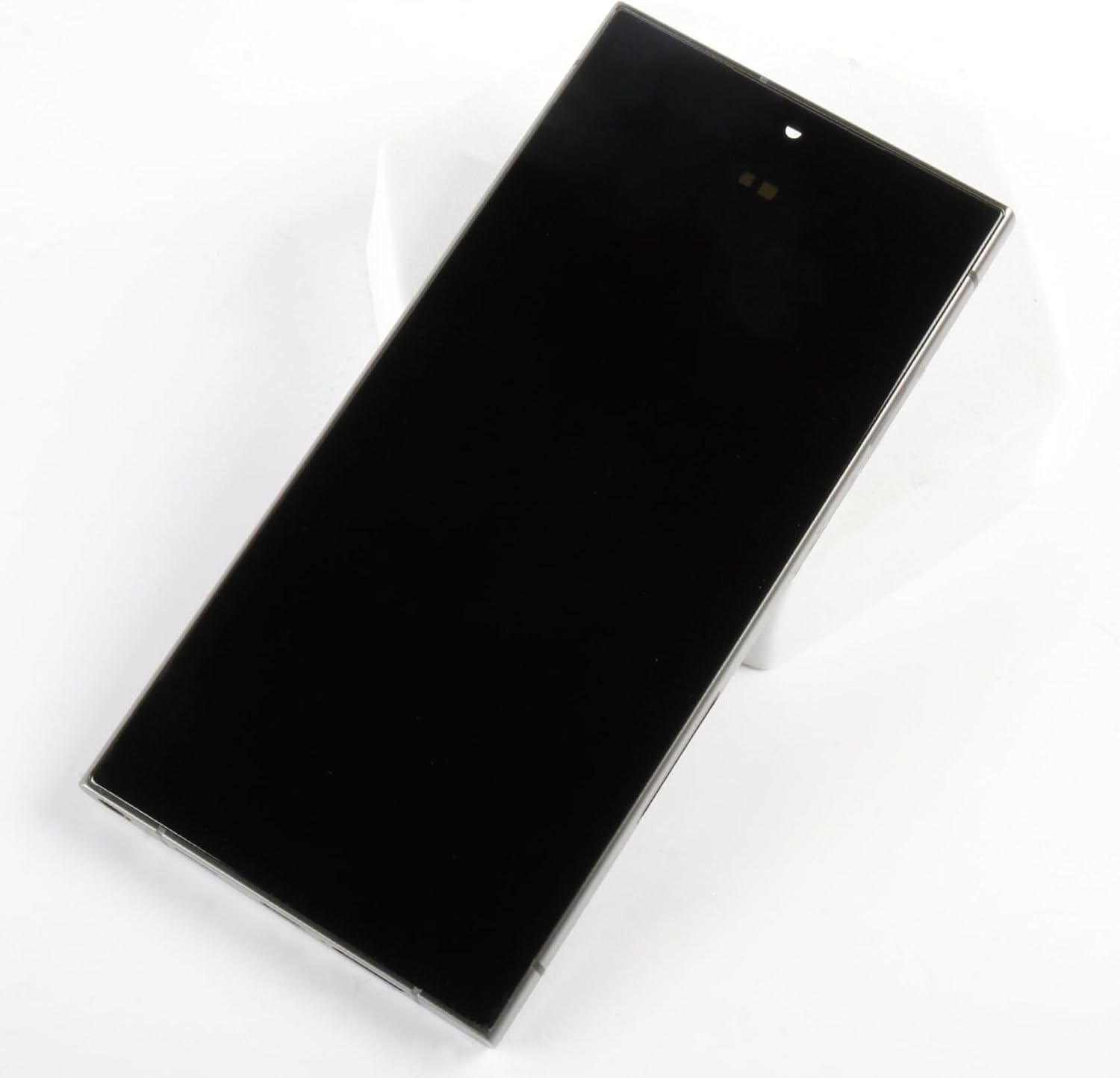
AMOLED Galaxy S24 Ultra (Fingerprint Support) 6.78"+Titanium Black/Blue/Green Frame LCD Screen Replacement S928U S928A for Samsung Galaxy S24 Ultra Display Touch Digitizer Assembly
Product details
| Management number | 212405222 | Release Date | 2026/04/06 | List Price | $53.78 | Model Number | 212405222 | ||
|---|---|---|---|---|---|---|---|---|---|
| Category | |||||||||
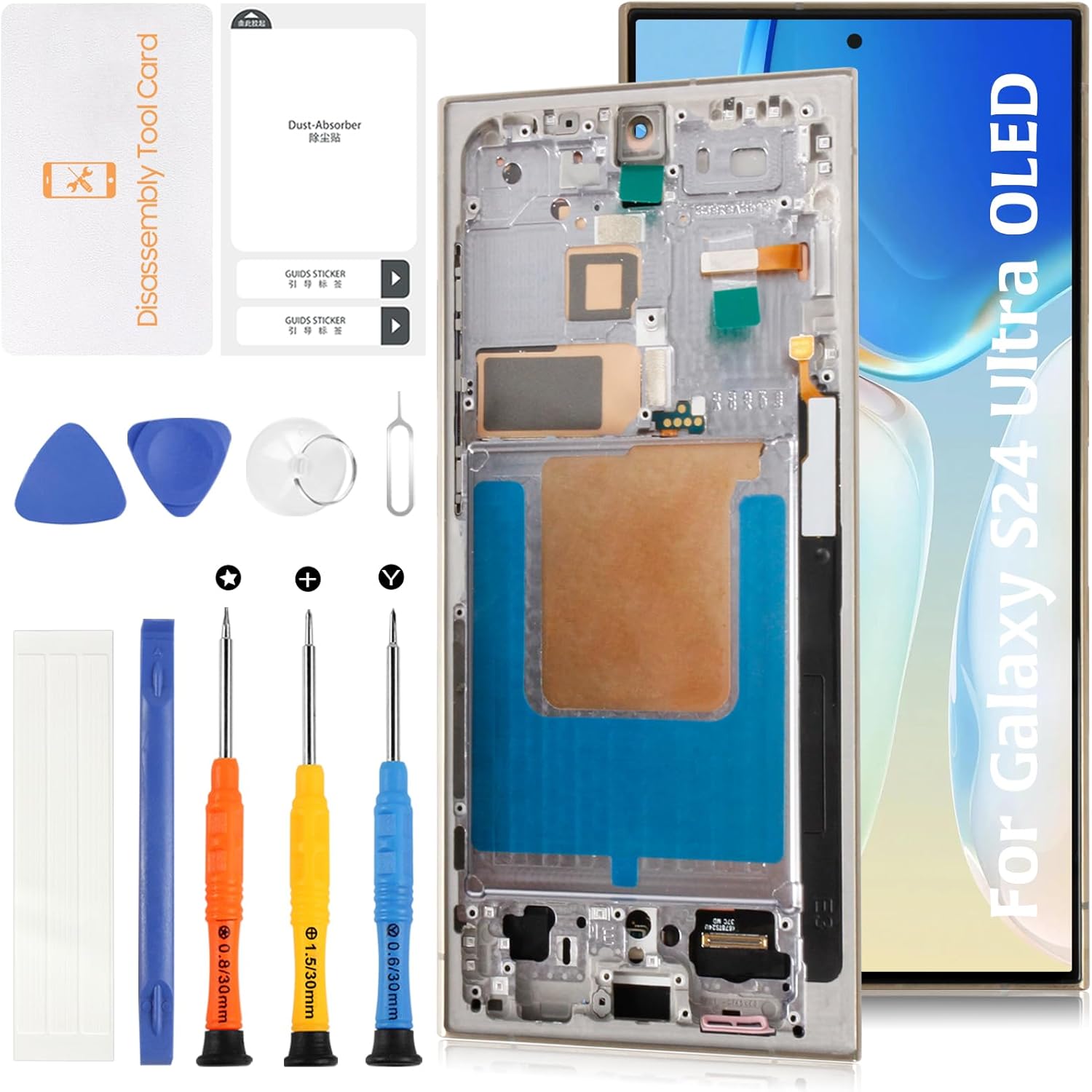
Overview: This olivechard screen assembly is made for the Samsung Galaxy S24 Ultra and includes a Mystic Bronze pre-installed frame. Built with aftermarket AMOLED technology, it restores vibrant color and touch performance at a more affordable cost than OEM options. It includes full support for in-screen fingerprint unlocking. Material Notes: This screen uses AMOLED technology, similar to OEM, but may have a slightly smaller display area (approx. 6.78 inches vs. OEM’s 6.8"). It is an aftermarket part — not manufactured by Samsung — providing a high-quality visual experience with good durability and responsiveness. Installation Advice: Always begin installation by disconnecting the battery flex from the motherboard. Connect the new screen temporarily to test display and touch functions. After confirming functionality, proceed with full installation. Do not force components into place. Package Includes: 1x AMOLED screen for Samsung Galaxy S24 Ultra 1x Pre-installed Mystic Bronze frame 1x Basic repair tool kit (includes tweezers, pry tools, and waterproof adhesive) Note: Fingerprint scanner, ear speaker, and sensors are not included. These must be transferred from your original screen. 🛠🛠Simulation Test: 1️⃣During testing, do not remove any protective films or labels. 2️⃣Pay attention to static electricity issues. Ground yourself using an ESD (Electrostatic Discharge) wrist strap to prevent damage from static electricity. ⚠3️⃣After removing the old screen, the first step is to remove the flexible cable clamp between the battery and the device motherboard. Disconnect the power supply connecting the screen flex cable. After connecting the flex cable of the new screen, the final step is to install the flexible cable clamp of the battery. It is important not to reverse this sequence. 4️⃣Then, connect the charging cable, turn on the phone power, and check if the screen is working properly.5️⃣If abnormalities are observed, please contact us promptly with attached video or photos. Do not force installation. ❓【FAQ – Frequently Asked Questions】 Q: Does this screen support fingerprint unlocking? A: ✅ Yes, this replacement supports in-display fingerprint scanning. Proper sensor alignment during installation is essential for functionality. Q: How is this AMOLED different from the original? A: While this screen uses AMOLED material and offers strong display performance, it has a slightly smaller visible area (approx. 6.78") than the OEM’s full 6.8" panel. It’s a budget-friendly alternative with excellent visual quality. Q: Which models are compatible? A: Compatible with Samsung Galaxy S24 Ultra models: SM-S928B, SM-S928U, SM-S928U1, SM-S928W, SM-S928N, SM-S9280, SM-S928E. Q: Can I install it myself? A: If you have repair experience, self-installation is possible. Otherwise, we recommend visiting a certified technician. Watch instructional videos and use ESD precautions during repair. Q: Why do I need to test before installation? A: Testing prior to full attachment ensures the product works as expected. This prevents installation-related damage and supports our return policy. Q: What if the product is defective upon arrival? A: Please record and send us photos or videos within the return period. If the issue is not caused by installation, we’ll arrange a replacement or refund.
- 🎄【Supports In-Screen Fingerprint Unlocking】This AMOLED replacement screen is compatible with Samsung’s in-display fingerprint feature. With proper installation, users can continue using biometric unlocking without functionality loss.
- ⏰【Aftermarket AMOLED vs OEM】This is an aftermarket AMOLED display with deep contrast, vivid colors, and responsive touch. Note that the visible display area is approximately 6.78 inches, slightly smaller than the OEM's 6.8-inch full coverage — a trade-off for cost-efficiency while retaining high performance.
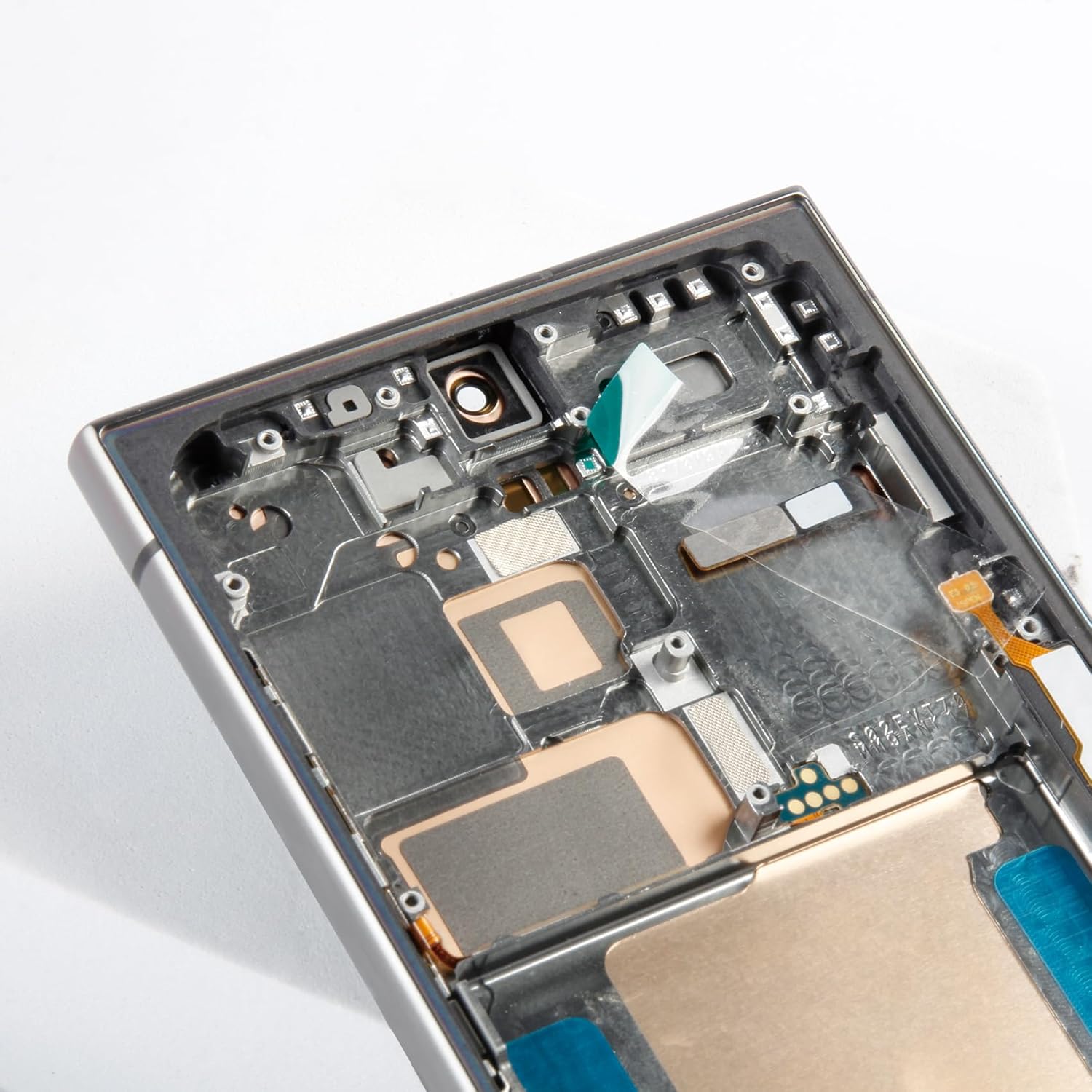
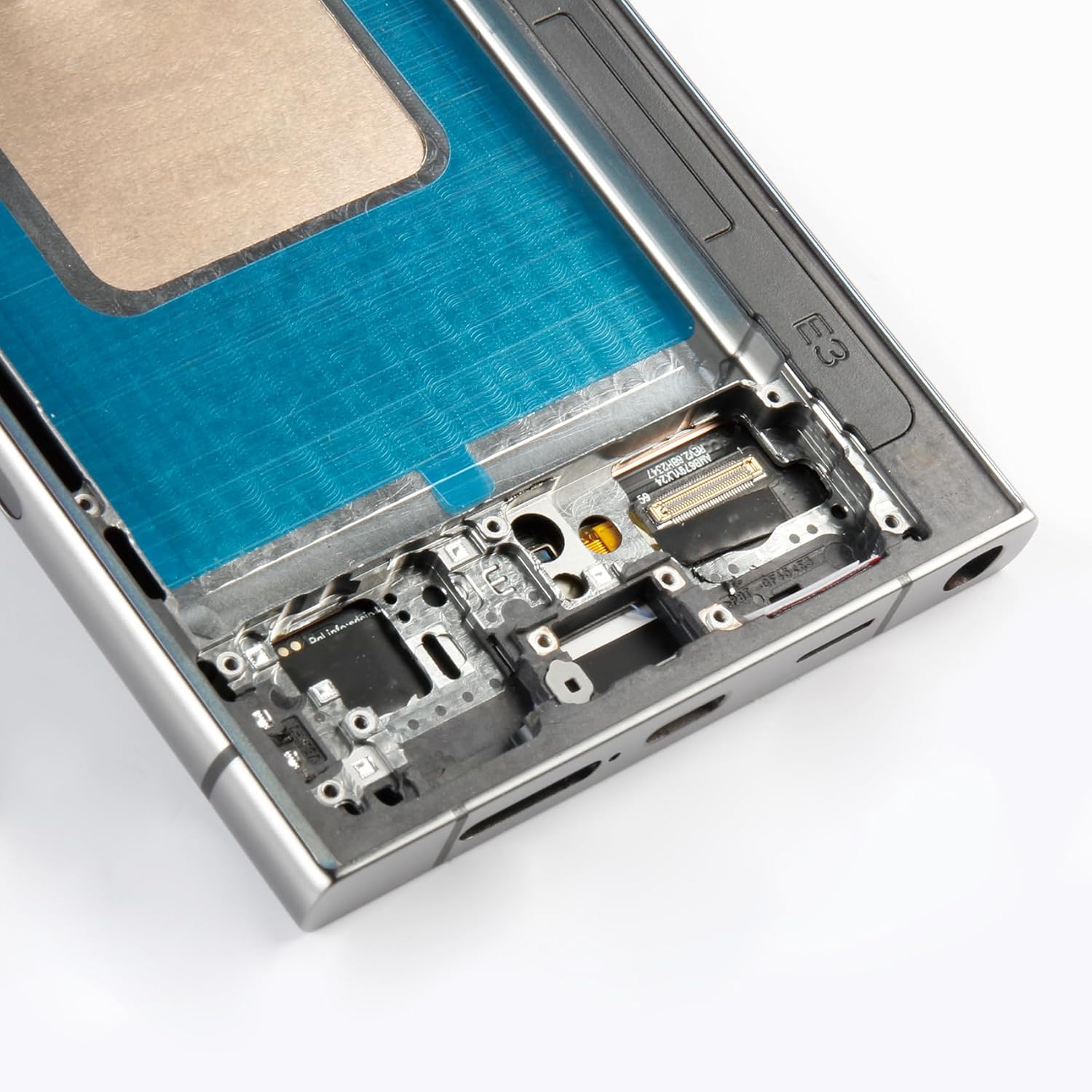
- 🎄【Model Compatibility & Repair Scenarios】Designed for Samsung Galaxy S24 Ultra models SM-S928B / SM-S928U / SM-S928U1 / SM-S928W / SM-S928N / SM-S9280 / SM-S928E. Ideal for replacing cracked screens, dead pixels, touch malfunctions, or unresponsive display issues. Titanium Black/Blue/Green Frame is pre-installed in Mystic Bronze for simplified installation.
- ⏰【Installation Guide & Precautions】Before starting, power off the phone and disconnect the battery cable from the motherboard. Temporarily connect the new screen to verify touch and display functionality. Do not glue or seal the screen until full testing is complete. No instruction manual included — we recommend professional help or verified tutorial videos.
- 🎄【After-Sales Guarantee & Pre-Test Advice】Every product undergoes meticulous quality checks before being shipped. In case of any issues arising after delivery due to the unpredictability of shipping, please share a photo highlighting the concern. We will proAll units are tested before dispatch. Upon receipt, test the screen while disconnected from the battery to avoid short circuits. We offer return or replacement for non-installation-related defects if reported promptly with visual proof.
| Color | +Titanium Black/Blue/Green Frame galaxy S24 Ultra |
|---|---|
| Item Weight | 5.6 ounces |
| Manufacturer | Olivechard |
| Whats in the box | 1x 6.78" AMOLED S24 Ultra Display and Touch Digitizer Assembly with Titanium Black/Blue/Green Frame, 1x triangular pry tool, 1x screwdriver set, 1x flat-dual-ended pry bar, 1x twin-sided tape, 1x dust removal sticker |
| Item model number | Samsung Galaxy S24 Ultra S928U |
| Product Dimensions | 3.94 x 1.97 x 0.79 inches |
| Other display features | Wireless |






Correction of product information
If you notice any omissions or errors in the product information on this page, please use the correction request form below.
Correction Request Form